


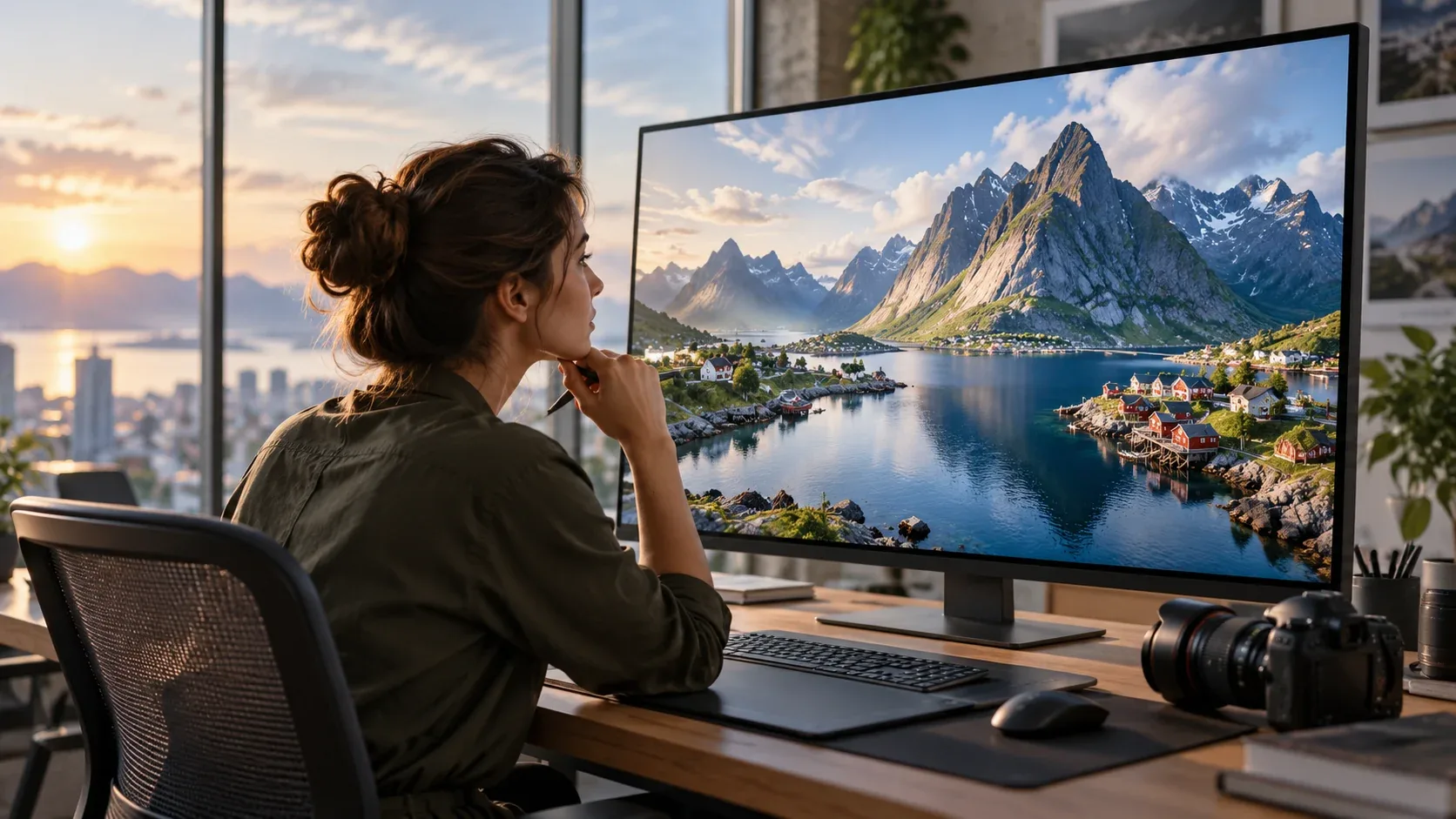
“High resolution” sounds like an automatic sign of quality, but the biggest file is not always the best file for the job. The right resolution depends on where the image will appear, how large it will be displayed, and whether it will be cropped.
Pixel dimensions matter more than vague labels
Instead of relying on terms such as HD, large, or high-resolution, check the actual pixel dimensions. A 5000-pixel-wide image gives you more room to crop than a 1600-pixel-wide version, but that does not mean the 5000-pixel file should be served directly on a website.
Web images need balance

For websites, start with enough source resolution for the display size and crop, then export an optimized version. Oversized files increase page weight and can slow loading without creating a visible benefit.
Retina and high-density screens
High-density displays can benefit from images delivered at larger pixel dimensions than their CSS display size. The exact implementation depends on the site, but keeping a sufficiently large original gives developers flexibility.
Social media changes the crop
Social platforms use multiple aspect ratios. A high-resolution master image makes it easier to create square, portrait, landscape, and vertical crops without sacrificing the subject.
Print is different
Print projects depend on physical dimensions and output resolution. A file suitable for a blog header may be too small for a large poster. Ask the printer or designer for the required specifications before licensing an image for a major print project.
Sharpness is not only resolution
A large file can still be soft, noisy, overprocessed, or poorly focused. Inspect the image itself, especially if it will appear prominently in an ad, hero section, or print piece.
Download with the final crop in mind
If you expect to crop aggressively, choose a larger source file. If the image will be used at a modest size with little cropping, an enormous master may add storage and workflow overhead without helping the final output.
Keep licensing attached to the file
Resolution does not change licensing. Whether you download a small or large version, keep the usage rights and source record associated with the asset.
For a broader download checklist, read Royalty-Free Photos Download Guide. Browse IHaveStock when you need stock visuals suitable for web, campaign, and creative production.