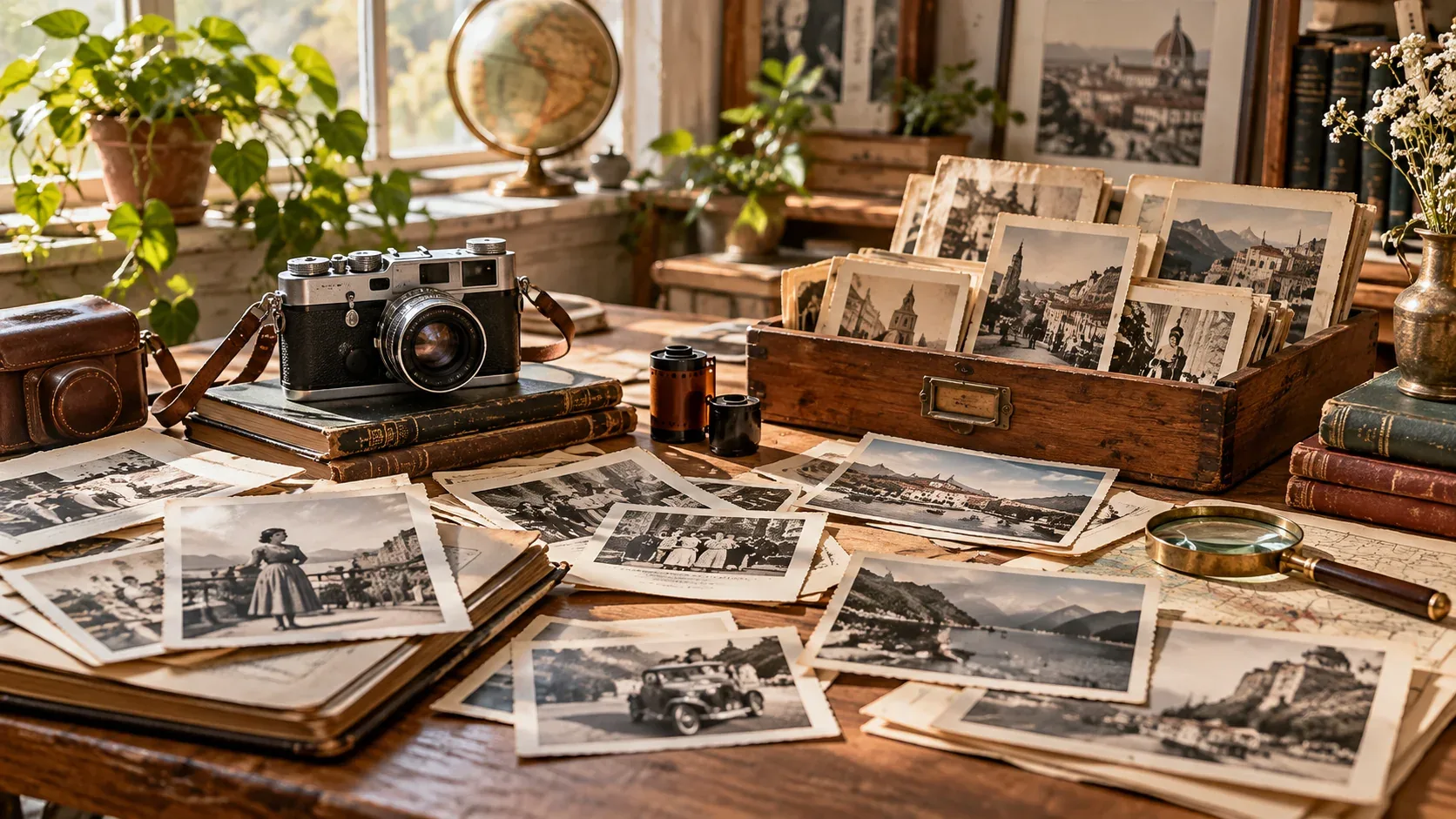



If you are searching for royalty free images no watermark, the fastest way to get a useful result is to think beyond the keyword itself. The image still needs to fit the project, crop correctly, and come with licensing terms that match the intended use.
This guide focuses on a practical workflow: how to search more precisely, how to evaluate visual quality, and what to verify before an image becomes part of a commercial or editorial project.
No watermark does not mean no copyright
Watermarks are a visual protection mechanism, not a legal definition. Some properly licensed images are delivered without watermarks, while many copyrighted images found online are also unwatermarked.
The permission to use an image comes from the license, not from whether a watermark is visible.
Why stock sites watermark previews
Preview watermarks help people evaluate composition before licensing the clean file. They also discourage direct reuse of preview images.
After a valid download or purchase, the provider normally supplies the usable file according to the license attached to that asset.
Avoid removing watermarks from previews
Removing or cropping out a watermark does not create usage rights and can make the licensing situation worse. If you need the image, obtain it from the source under the appropriate terms.
Check whether the clean file matches the intended use
Even after obtaining an unwatermarked file, verify commercial-use rights, resale restrictions, model releases, property releases, trademarks, and attribution requirements.
Keep the license with the downloaded file
A simple folder containing the asset, source URL, receipt or download record, and license information can prevent confusion months later when a project is reused or handed to another team.
How to make the final choice
Before downloading, compare a few candidates at the size and crop you will actually use. Check whether the subject remains clear on mobile, whether text has enough breathing room, and whether the image still feels relevant after the first visual impression.
Then verify the license and save the source information with the project. If you need a broader refresher on licensing terminology, start with our royalty-free images guide. For faster searching, see how to search royalty-free stock images.
Explore visual assets on IHaveStock
IHaveStock is building a practical marketplace for stock photography and visual assets. Browse the marketplace when you need imagery for websites, campaigns, publishing, social content, and creative projects.