

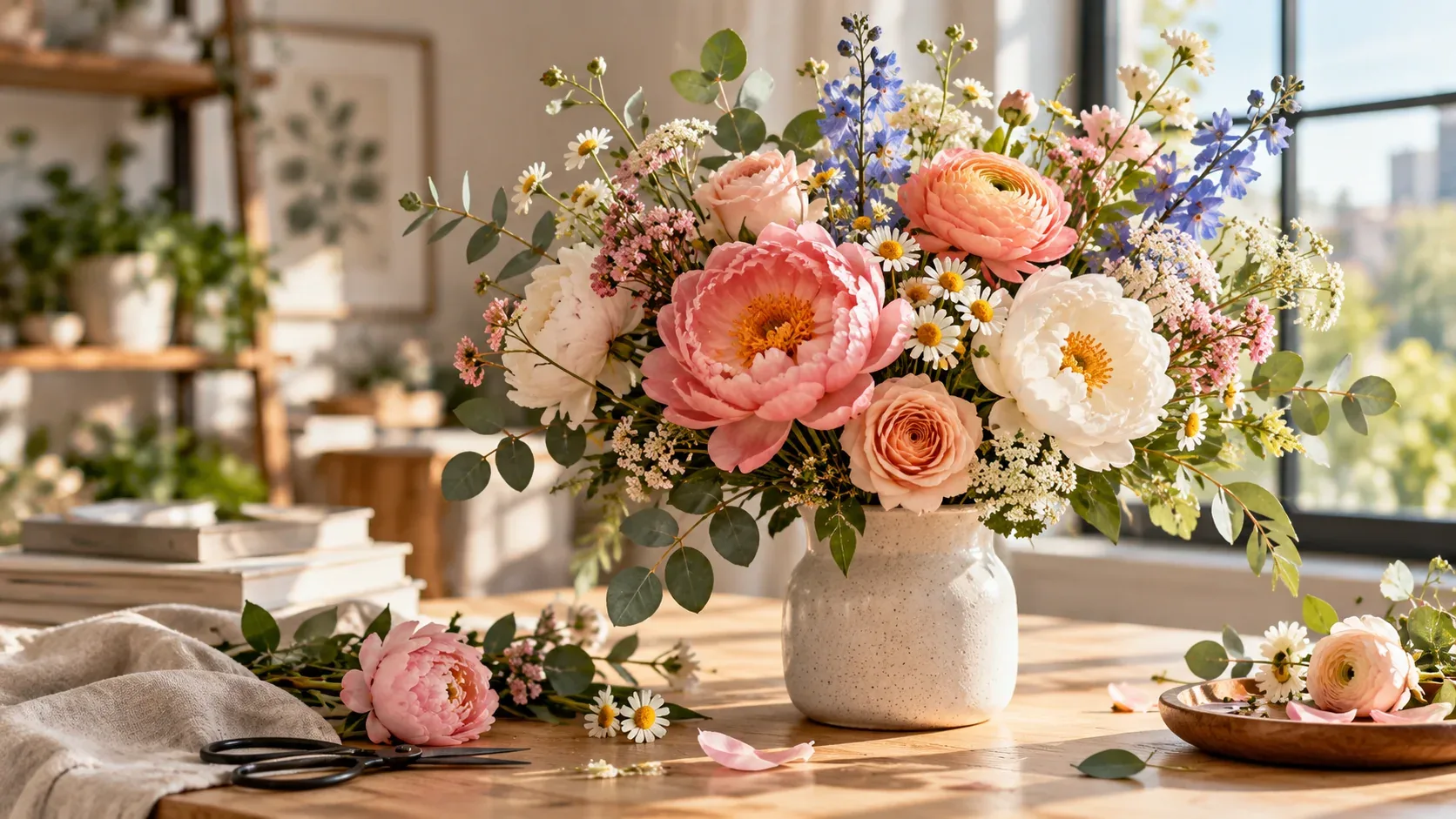
If you are searching for royalty free images of flowers, the fastest way to get a useful result is to think beyond the keyword itself. The image still needs to fit the project, crop correctly, and come with licensing terms that match the intended use.
This guide focuses on a practical workflow: how to search more precisely, how to evaluate visual quality, and what to verify before an image becomes part of a commercial or editorial project.
Start with the final design, not the flower
A floral image for wedding stationery needs a different composition from one used in a skincare ad, memorial design, editorial article, restaurant menu, or website banner.
Define the role first: background, hero image, isolated subject, pattern reference, editorial photo, or decorative detail.
Search by species, season, and color palette
Specific searches outperform generic ones. Instead of flower background, try white peonies soft light, wildflowers summer field, red roses dark background, dried flowers neutral palette, tropical flowers top view, or lavender field sunrise.
Color terms are especially useful when the image must fit an existing brand system.
Composition determines whether text will fit
Look for copy space, asymmetrical arrangements, flat lays, isolated flowers, or off-center bouquets when typography needs to sit inside the image.
If the asset will be used across multiple placements, favor compositions that survive both wide and vertical crops.
Avoid the overprocessed stock look
Heavy saturation, artificial blur, overly perfect petals, and aggressive HDR can make floral imagery feel dated. Natural imperfections, realistic depth of field, believable light, and restrained color grading often feel more contemporary.
Check resolution before committing to a layout
Large-format print, packaging, and posters require more source resolution than a blog thumbnail. If you are unsure how much you need, use the high-resolution royalty-free images guide before building the final design.
How to make the final choice
Before downloading, compare a few candidates at the size and crop you will actually use. Check whether the subject remains clear on mobile, whether text has enough breathing room, and whether the image still feels relevant after the first visual impression.
Then verify the license and save the source information with the project. If you need a broader refresher on licensing terminology, start with our royalty-free images guide. For faster searching, see how to search royalty-free stock images.
Explore visual assets on IHaveStock
IHaveStock is building a practical marketplace for stock photography and visual assets. Browse the marketplace when you need imagery for websites, campaigns, publishing, social content, and creative projects.